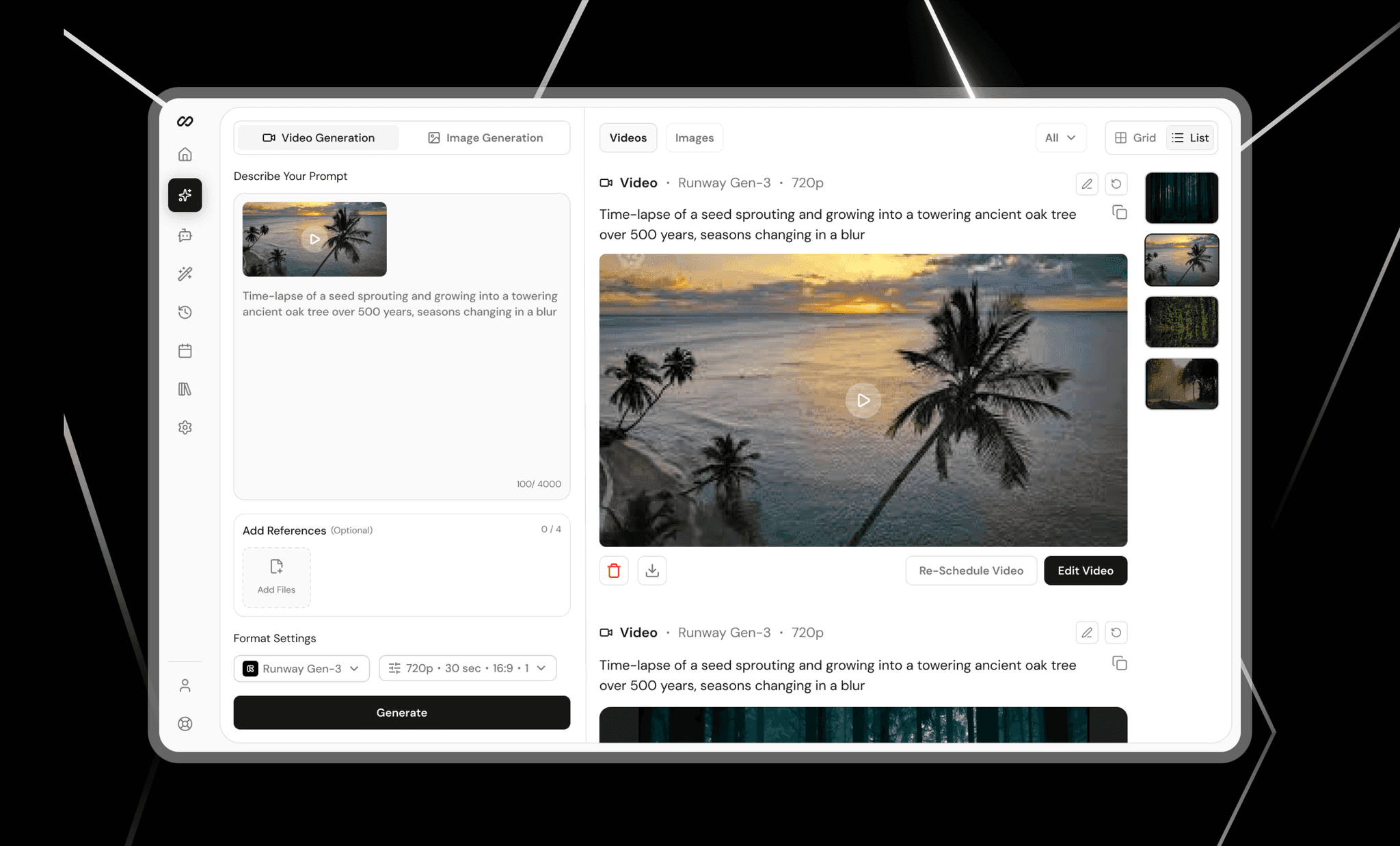
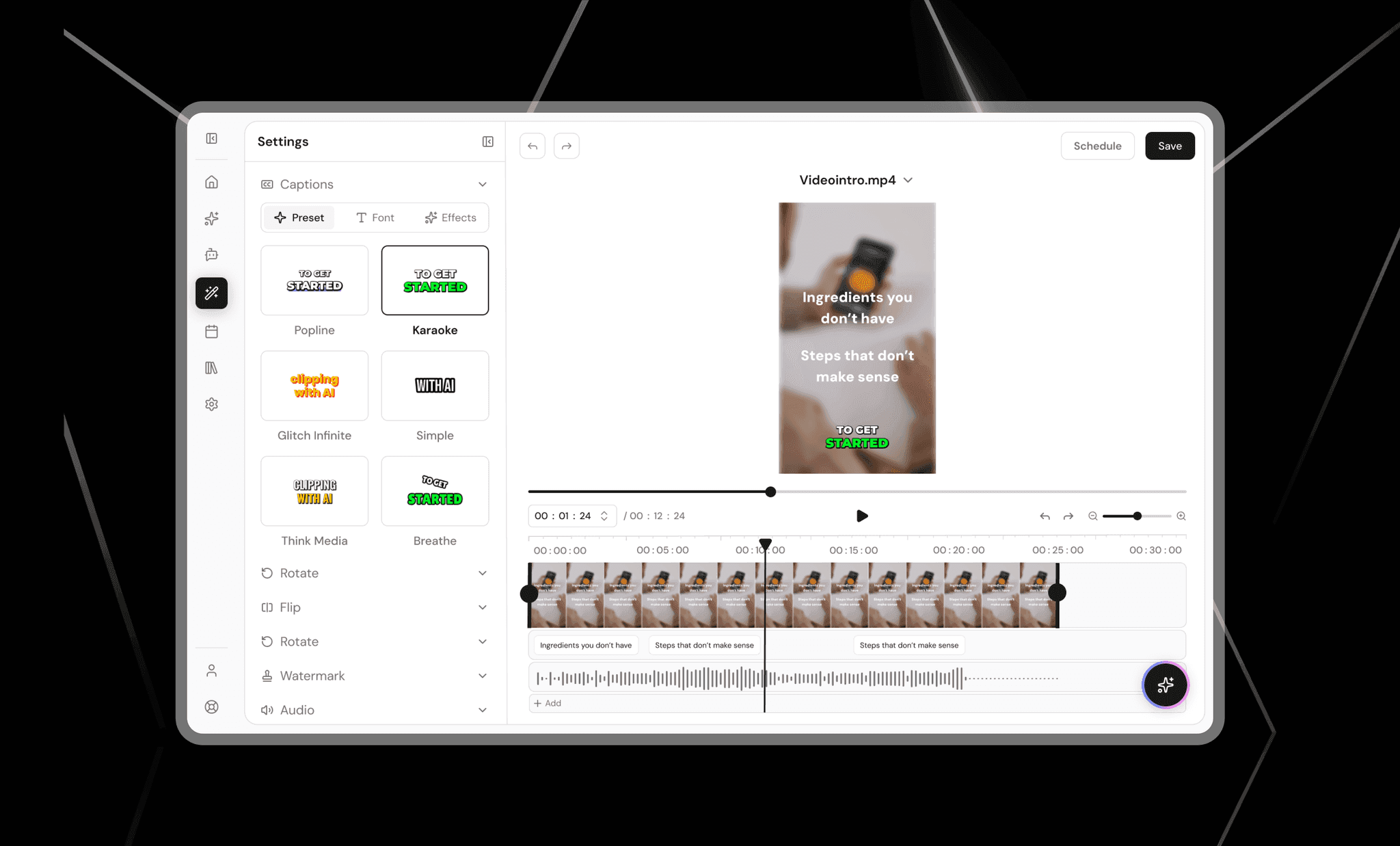
9xClips AI Content Studio
An AI studio for creating, organising, and scheduling social media posts, designed from scratch in one workspace.
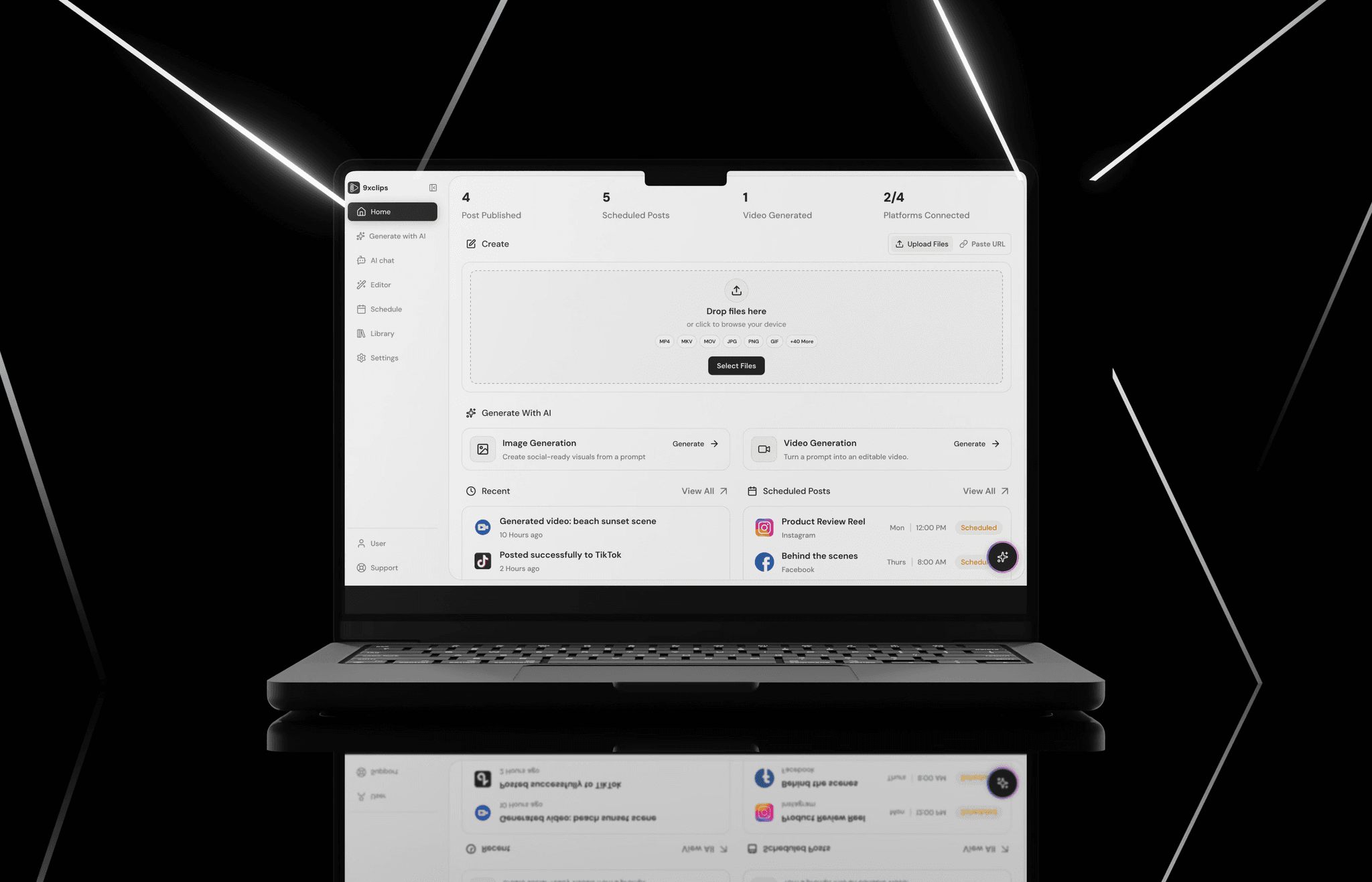
Overview
9xClips is an AI-powered content studio for creating, organising, and scheduling social media posts. I designed the product from the ground up as the UX designer at 123sudo, from early structure and flows through to interactive prototypes. The product is not yet public, and I am sharing it with the company's permission.
Problem Statement
Creators who publish on social media usually work across several disconnected tools: one to generate content, another to edit it, and another to schedule it. Each platform also has its own rules for format, length, and details, so posts often need rework or get rejected. There was no single place to go from an idea to a scheduled post. The challenge was to design one workspace that brings creating, organising, and scheduling together, and handles platform differences for the user.
Approach & Process
I focused on three principles:
- One workspace, start to finish: create, review, and schedule in a single place.
- Handle platform differences for the user: surface what each platform needs, and flag problems before posting rather than after.
- AI where it helps: make AI models and assistance easy to find and use, without taking control away from the creator.
Design and Development
- Defined the product structure. Decided how the product is organised into tabs, and how content is filtered and categorised, so the system stays clear as it grows.
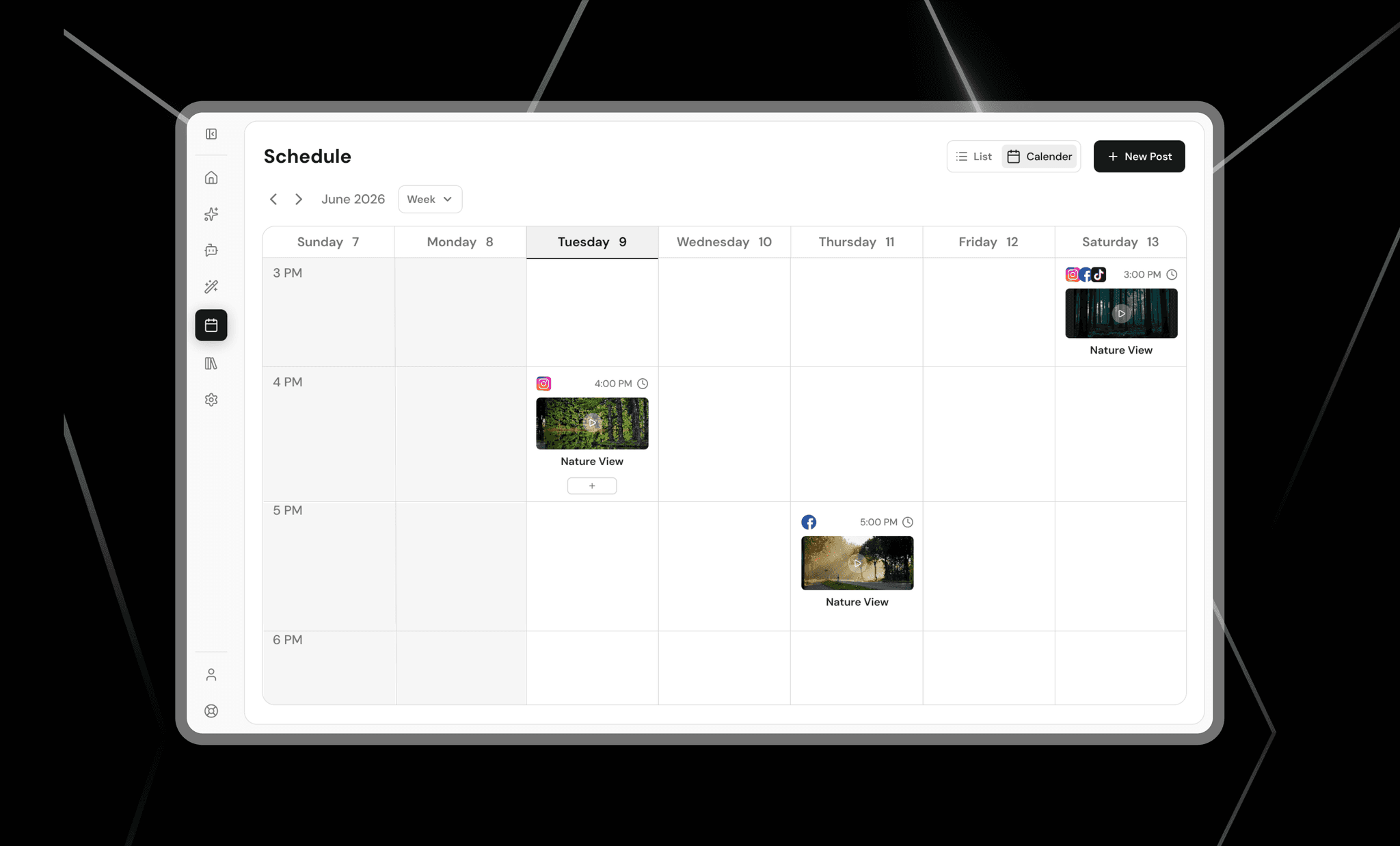
- Designed the scheduling flow. Covered video, text-only, and image posts, including the information each platform requires.
- Designed for platform mismatches. Created the logic and messaging for when content does not meet a platform's requirements, so creators can fix issues before publishing.
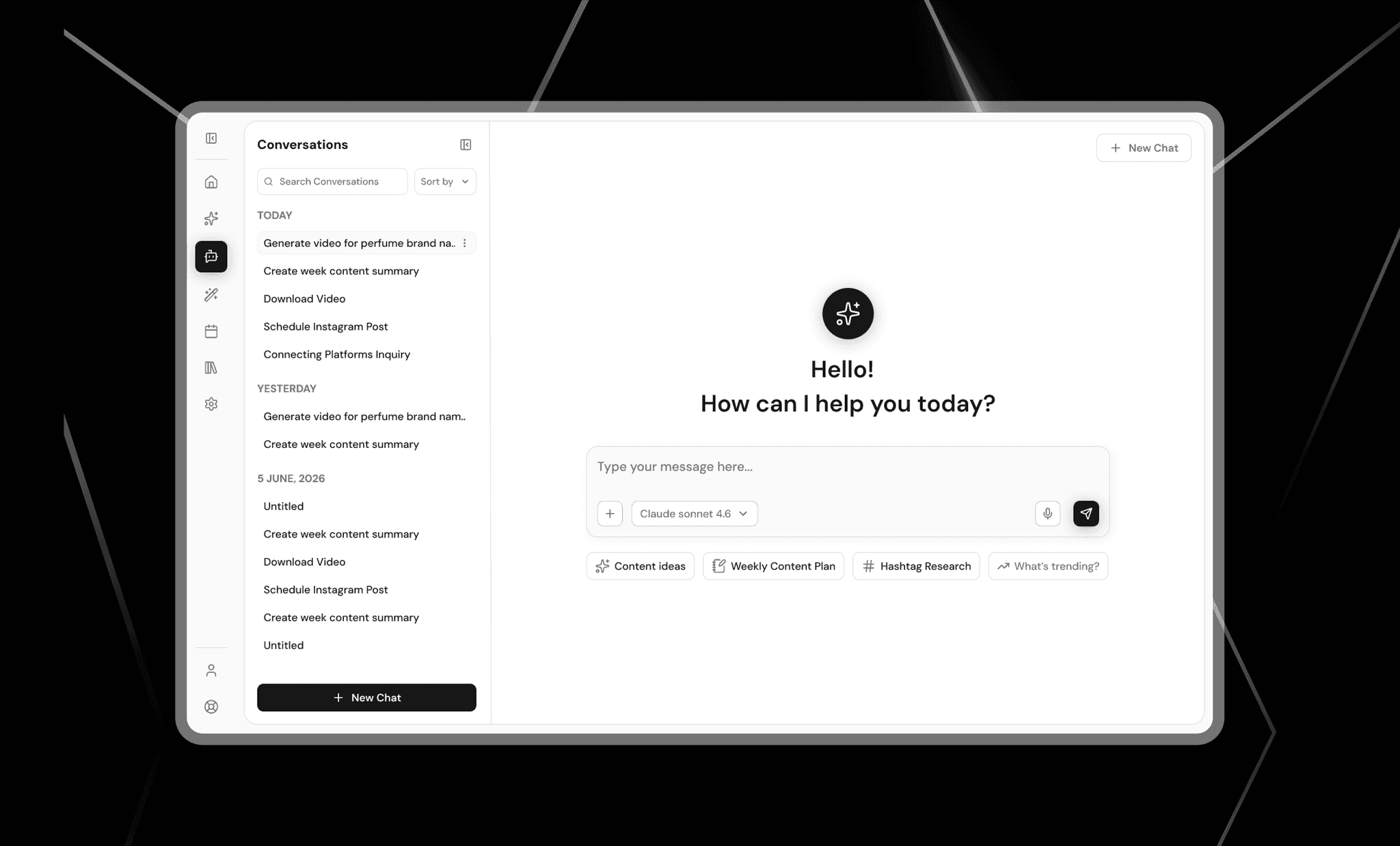
- Integrated AI assistance. Designed an AI chat tab within the studio.
- Designed the core workspaces. Built the dashboard, a history view with detail modals, and a library for text models, video models, and connected platforms.
Key Features
- One workspace: a dashboard for creating, reviewing, and scheduling content in one place
- Multi-format scheduling: a single flow for video, text-only, and image posts
- Platform-aware publishing: fields and requirements that adapt to each connected platform
- Mismatch alerts: clear warnings when content does not fit a platform's rules, so it can be fixed before posting
- AI assistant: a built-in chat tab for help while creating
- History: a record of past posts, with detail views
- Library: one place to manage text models, video models, and platform connections.