9xConvert File Converter
A private file converter and editor that starts from what you want to make, with guided flows for common jobs.
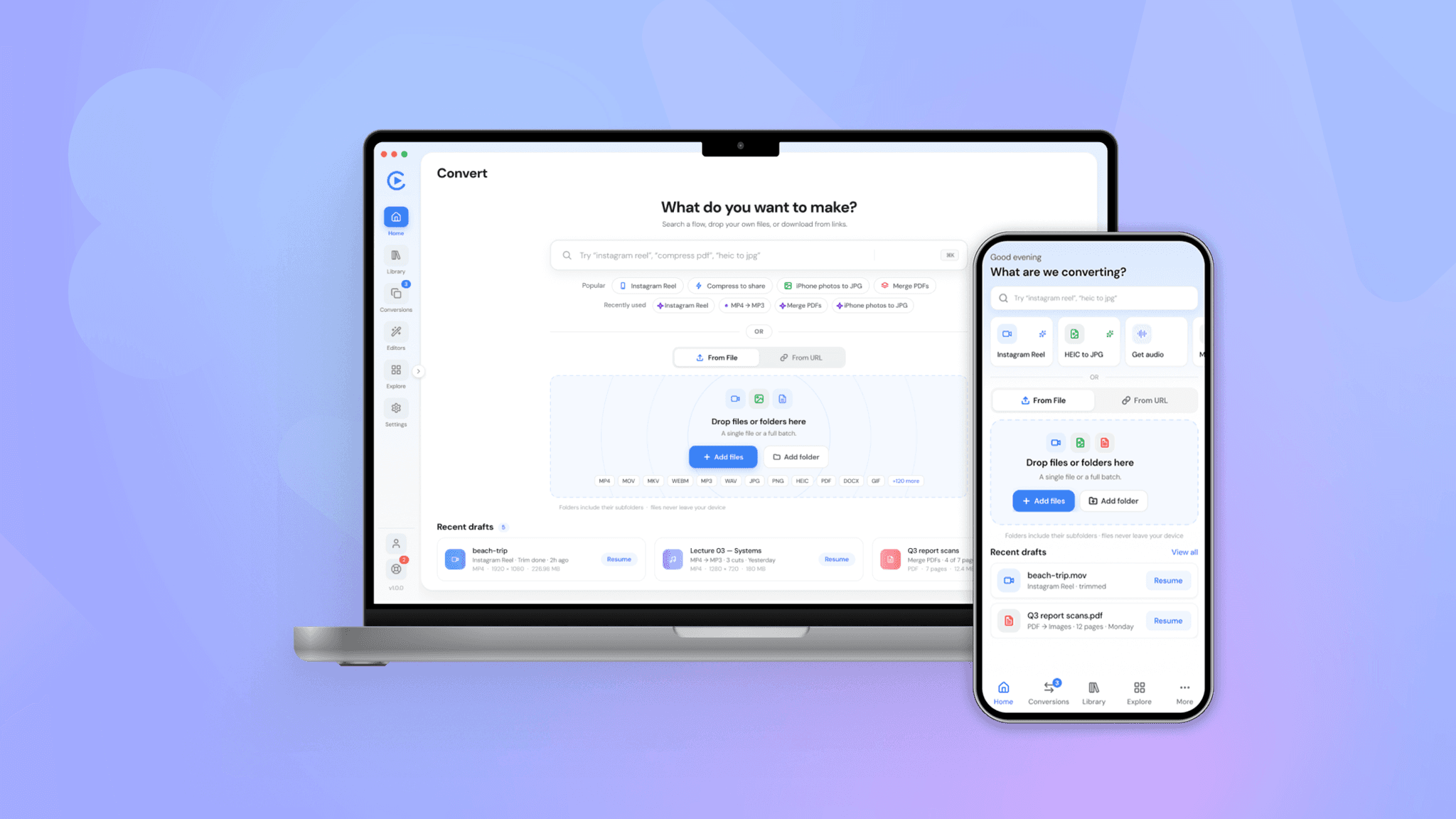
Overview
9xConvert is an application for converting, compressing, and editing video, audio, images, documents, and data files. All processing happens on the user's own device, which keeps files private and allows the app to work offline. As the UX designer at 123sudo, I led the redesign of the full product experience.
Problem Statement
As 9xConvert expanded to more than 180 tools, the original experience became difficult to navigate. Each task began with a file and a format, even though most users come with an outcome in mind. Discovering the right tool, repeating common jobs, and understanding account limits all required more effort than the task itself.
The Approach for 9xConvert
The restructured product around user goals rather than file formats, using three principles:
- Goal first: begin with what the user wants to create, then guide them to the right tool.
- Guided by default, flexible on demand: offer step-by-step flows for common jobs, with full control available for experienced users.
- Trust and clarity: keep privacy, progress, saved work, and plan status visible throughout
Key Actions Taken
- Reframed the entry point. Redesigned the home experience to start from the user's intent, supported by search, shortcuts, and simple file input.
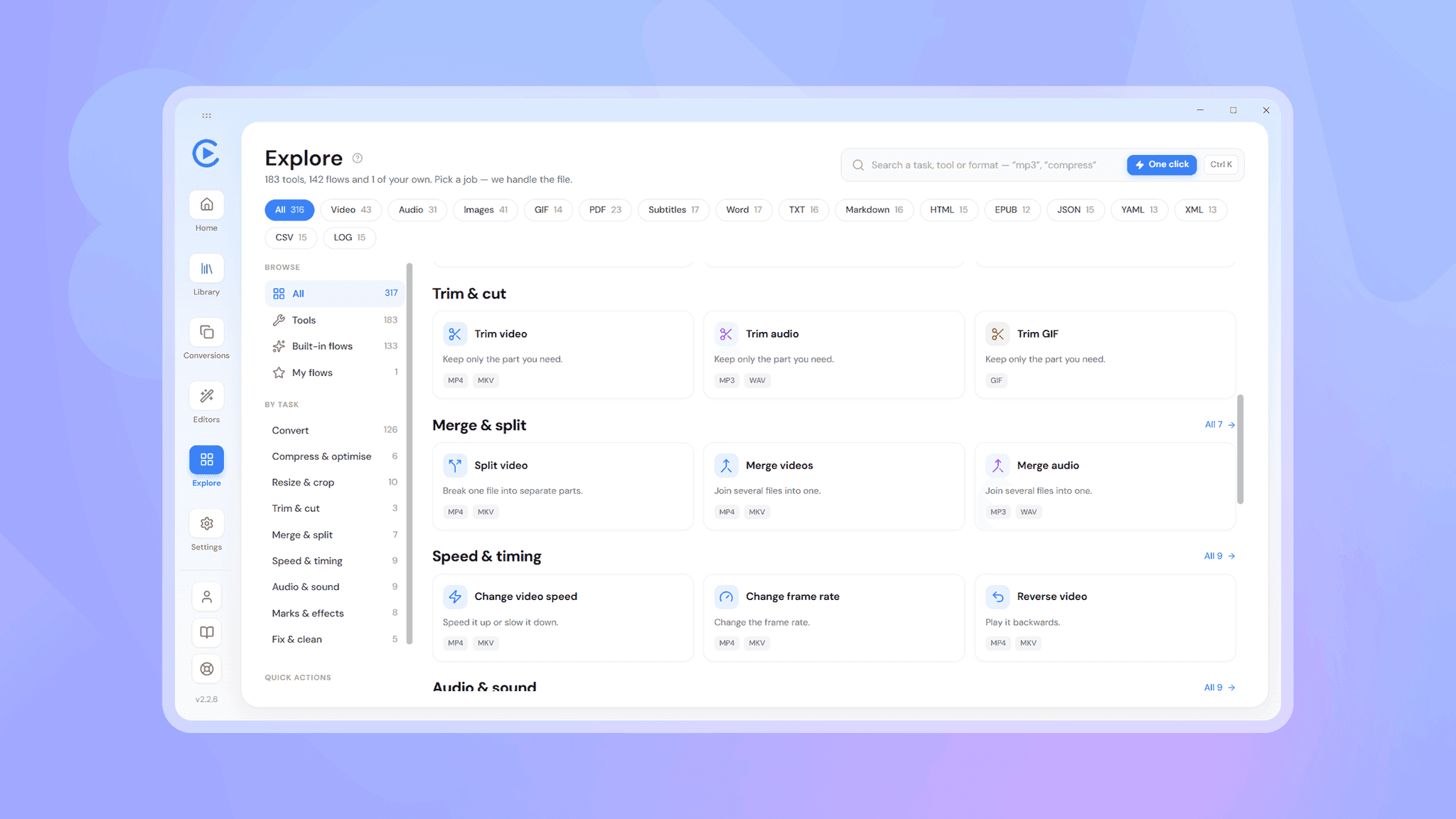
- Organised a large toolset. Created a catalogue that can be browsed by task or file type, so users can find tools without knowing technical names.
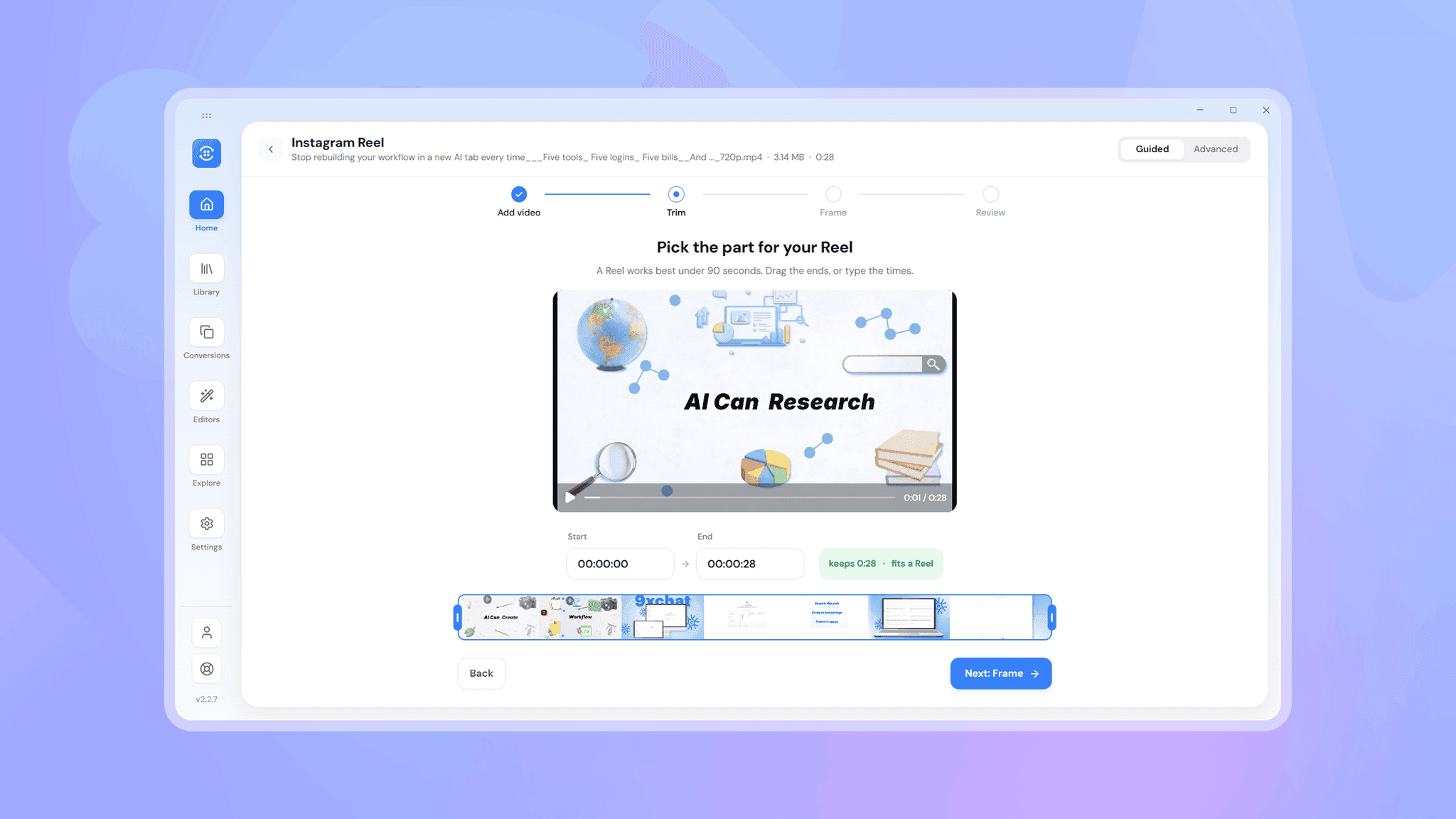
- Introduced guided flows. Turned frequent workflows into clear, step-by-step journeys, and gave users the ability to build and save their own.
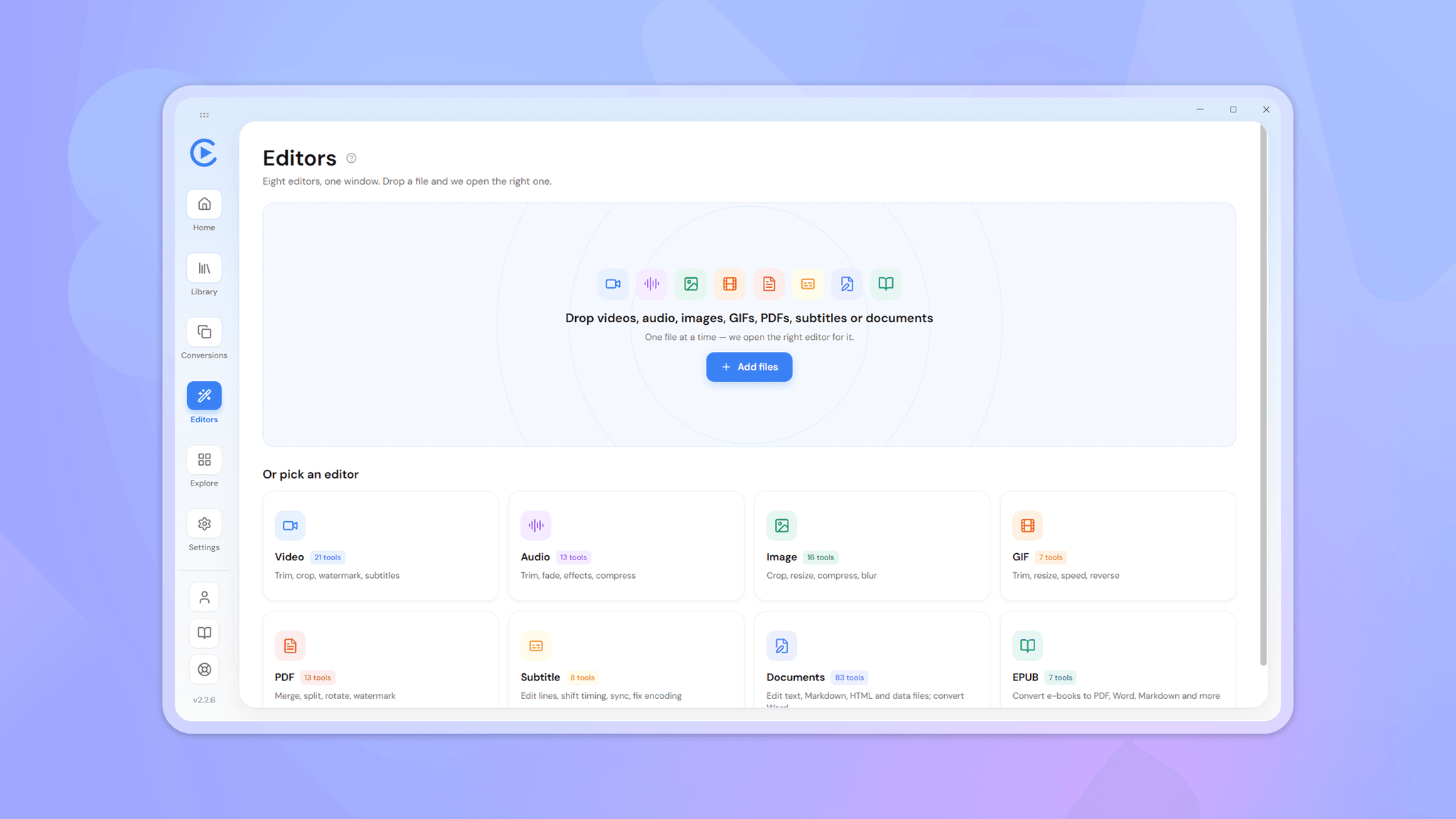
- Unified the editing experience. Brought separate editors for different file types into one consistent environment.
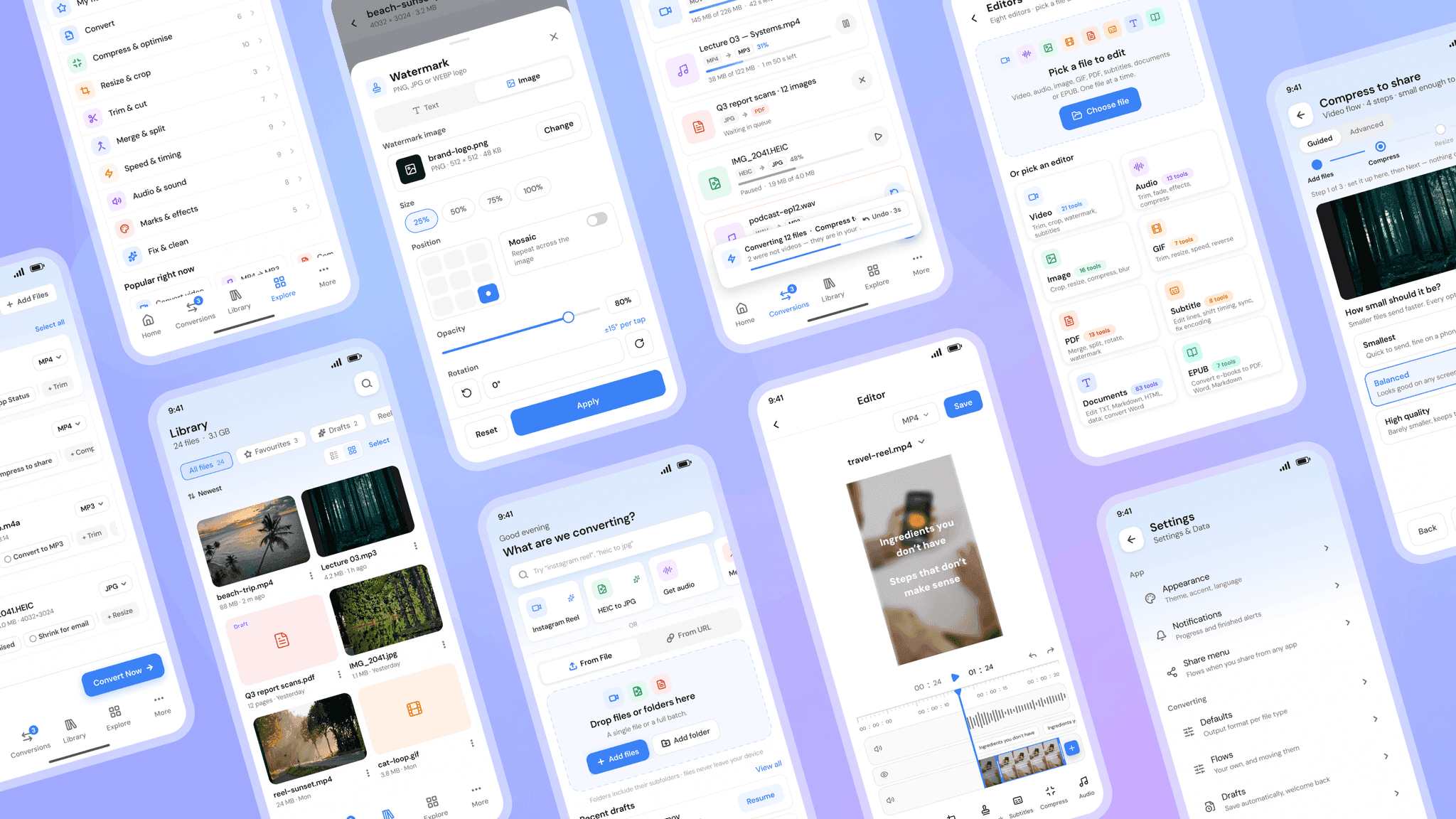
- Supported ongoing work. Added a library and autosaved drafts so users can return to unfinished tasks without risking original files.
Key Features Improved
- A task-led experience in place of a format-led one
- A large toolset that is easier to explore
- Faster completion of repeated jobs through flows
- A consistent environment for editing every file type
- Safer, more continuous workflows through drafts and a library.